Mohawk College – Cutting Edge Learning
Last night I taught the first class of the new course in Lightroom being offered by Continuing Education at Mohawk College in Hamilton. I was pleasantly surprised to learn that with this course, we are on the cutting edge of learning.
Back in the Fall while teaching the Landscape course, a number of students asked about a course in Lightroom. I inquired about starting up a course only to learn that Mohawk does not have Lightroom on any of its computers and did not foresee installing it in the near future. I then suggested a BYO Laptop course wear students would download Lightroom for the educational price of $89 (US) directly from Adobe and show up to class with their laptop ready to go. And, voilá – here we are – the first course ever taught at Mohawk College Continuing Education using the BYO Laptop format.
When I was putting together the course proposal, I go thinking about how much more advantageous it is if people brought their own computer:
- no issues with an unfamiliar operating system between suers and what the college has; e.g. Windows and Mac or Windows 98 / Vista / Windows 7;
- familiarity with user customizations applied to the computer interface (icons, menus, dock preferences, etc.);
- students’ catalogues and photos would be with them, so no issues about loading catalogues;
- familiarity with the customization features of the Lightroom user interface.
Overall, it makes complete sense and with the cost and power of laptops being more of a non-issue, it has turned out to a near perfect fit. Now, if only the classrooms had enough power outlets for 18 users to plug-in! The problem was solved with a few power bars – thanks Anne!
Rockwood, Ontario
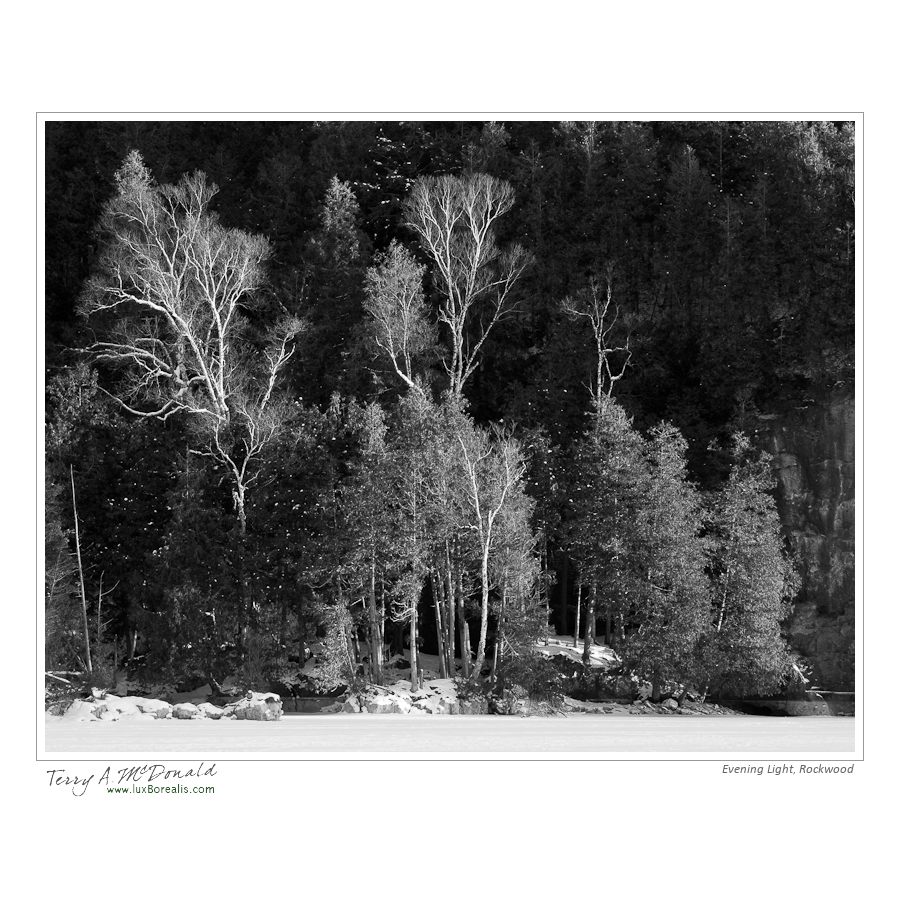
Finally – I was out photographing in what has become increasingly beautiful winter weather. I spent a few hours at Rockwood Conservation Area, along the Eramosa River. Rockwood is quite spectacular with limestone cliffs and a spectacular assemblage of glacial potholes. On the downside, its beauty attracts a great many people which means many of the best snowy areas have been trod upon by people and their blasted dogs. I’ll need to get there first thing after the next snowfall.
Most important for me are the light and shadows, the shapes and textures. I was not disappointed.



Low Price of Aperture a huge draw
I can’t believe the price of Aperture – since the opening of the new Mac App store, the price has dropped to $79. What a deal and definitely worth the investment if you have a Mac more recent than my MacBook Pro of 2008.
My main complaint with Aperture was its slow response at times – a product of my MacBook more than anything else. In fact, recently, I’ve noticed a slow down and spinning ball with Lightroom at times, to the point where I’ve had to do a Force Quit. Lightroom seems to hang when inadvertently going to Web Module for All Photographs (totally over 20,000).
What I love about Aperture it is fantastic healing brush – far superior to the lame “Spot Removal” in Lightroom. It’s worth having it around just for that feature – but then there are the superb Apple books – unparalleled in the publishing world except at double the price.
New iPhoto Book hot off the press
Finally – I’ve finished the book illustrating our East Coast trip from the summer of 2010. An once again, Apple does not disappoint.

Cover of iPhoto book: East Coast 2010
The photos were processed in Photoshop Lightroom 3 then exported as high quality jpegs and imported into iPhoto ’11. From there, I dragged them into the project file and began creating, assembling and writing. I used the ‘Modern Lines’ theme for its clean look. I tried some of the less formal themes but found that I lost “photo space” to “page space”. I want the photos to dominate, not the page or the graphics.
The book ended up being 76 pages in length with 173 photos – the best of which are full page. The bulk of the text is set in 11pt DearJoe4 – a great handwriting font available as a free, incomplete font from dafont.com or as a full font from the creator at joebob.nl
I’m really pleased with how well everything came together. Only two complaints:
-
p75 with photos reversed compared to what I preferred
on one of the last pages, I wanted two small photos on the left with one large on the right to keep the somewhat chronological flow and iPhoto would only allow the larger pic on the right;
-

Cut off ascenders on p72
on 4-photo page, I wanted two full lines of text which I achieved by reducing the font size to 9pt, decreasing the leading to 0.83 but still, the very tops of the ascenders were cut off. BTW if you want a great resource for typography – have a look at Adobe’s online booklet; Typography Primer. It is very informative. It looks like a booklet Apple published about 20 years ago which they included with the Mac Classic.
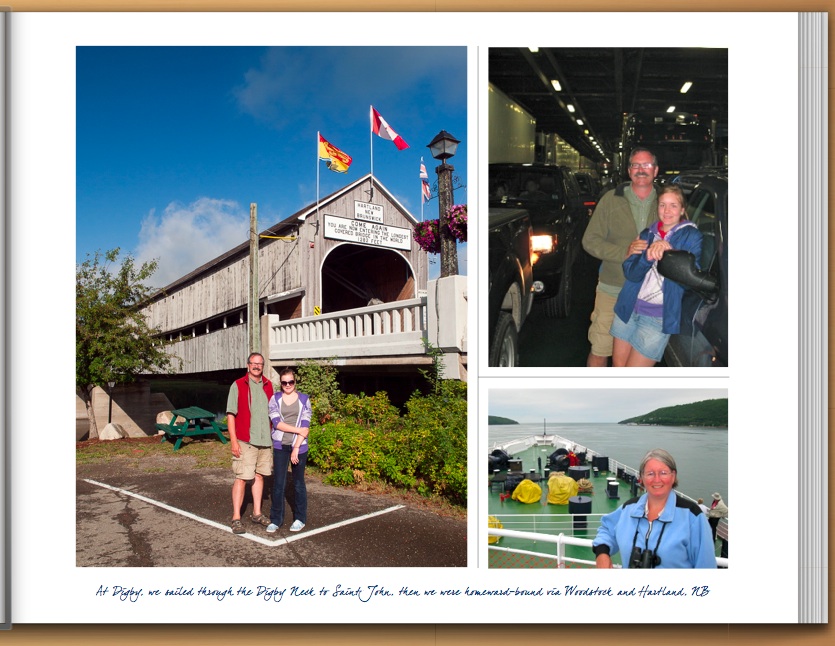
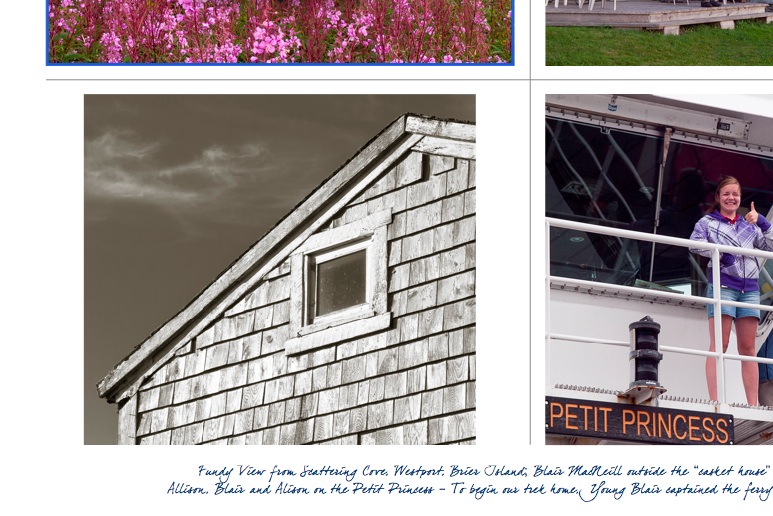
These two complaints are a small price to pay for a great looking book. I could have remedied the second problem, but the first is an in-built design selection by Apple. And I can see why they keep the larger photo on the left of a right-hand page as the two smaller photos would be lost or squeezed if the larger photo was on the right.
Here are a few of the other pages:

The reproduction of the black and whites is superb on p9

This photo-on-photo of Dickson Falls on p21 worked very well
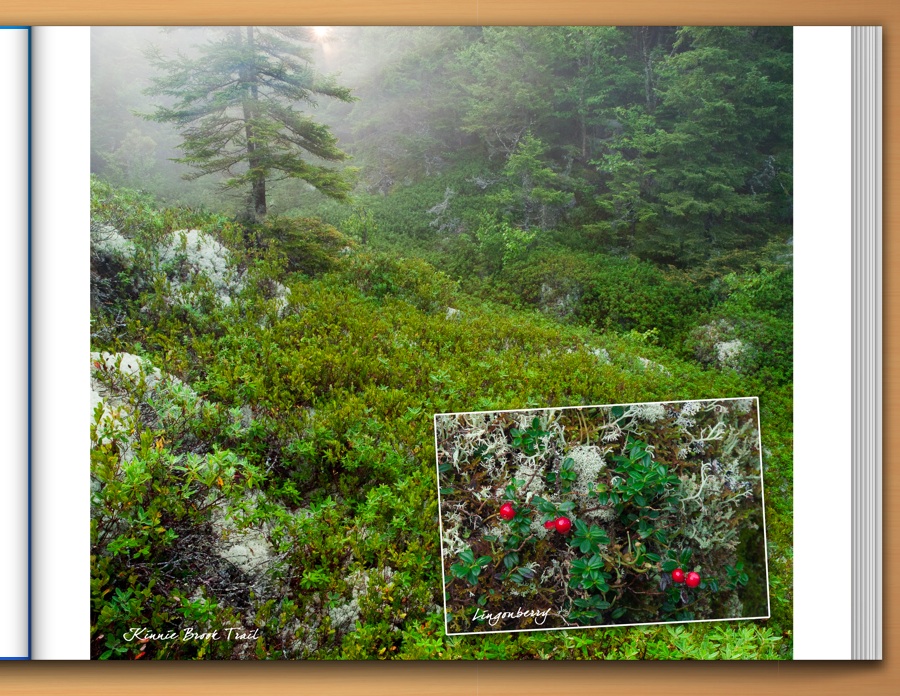
Composite of 2 photos created in Photoshop

One of my favourite photos is of our daughter Allison at the Habitation, Port Royal, Nova Scotia, dressed in period costume - it deserved a full page!
January 2011 – Bleak Midwinter
To me, it’s been a bit of a frustrating winter. When we’ve had good snow, I’ve been committed to other things. Then, when I had time, the warm weather and rain arrived. When the cold weather returned at the beginning of January, I was ready for it. Finally, some snow!

Bleak Midwinter, Starkey Hill, Guelph, Ontario
Ambient Conditions
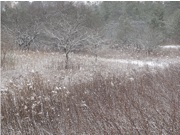
Original Capture
This was an overcast day with steady flurries. I knew there wasn’t a lot of contrast to work with, nor was there any directional light to create texture – so necessary for many winter photos. However, with the snow clinging to the branches, there was at least some contrast I could make use of.
Visual Design Elements
My original intention was to concentrate on wideangle and set my zoom to 24mm. There was a beautiful cedar rail fence between me and the scene that was lightly frosted in snow. At first, it seemed like an ideal image with the fence as a foreground element, but I soon realized how much of a barrier the fence was to the rest of the scene.
I moved up to the fence and immediately the scene opened up more with the foreground diagonal of the raspberry canes providing an ideal leading line from front left to mid-right. The line continues to the left following the open snow patch; the viewer’s eye is then led back to the right by the background snow patch. To me, this assemblage of layers gives the feeling of depth I strive to create in my images.
Technical Controls
72mm f/8 @ 1/40; ISO 100; tripod

Histogram
I would have preferred a faster shutter speed as there was some wind to contend with. I also would have preferred ƒ11 to maintain depth of field. I couldn’t have either, so I had to compromise by knowing I would need to crop off the foreground which could not be kept sharp.
The final exposure was 1 stop greater than recommended by the light meter and was achieved by dialing in +1 stop of exposure compensation. The added exposure shifted the tones to the right of the histogram, raising the highlights to the threshold of pure white without blowing out the brightest whites to pure white.
Post-capture Techniques
After importing into Lightroom, I immediately cropped the image to remove the unsharp foreground raspberry canes and took a slight bit off the top to avoid the distraction of the sky. I don’t usually start with cropping except I had pre-visualized the image this way when composing in field. White balance was fairly accurate with only a slight tint change of 6 towards green.
As you see in the original capture, the tree branches and snow have a “mushy” look to them, so my next move was to raise the contrast – but not with the Contrast slider. Instead, I increased the exposure by +0.5 which also meant a small amount of Recovery was needed to prevent snow becoming pure white. The Black Point was then increased to 20 to bring the greys back down. In doing so, the image became a bit too over-saturated, so Saturation was reduced by 10.
 luxBorealis Blog