Winter Photography Workshop 2012
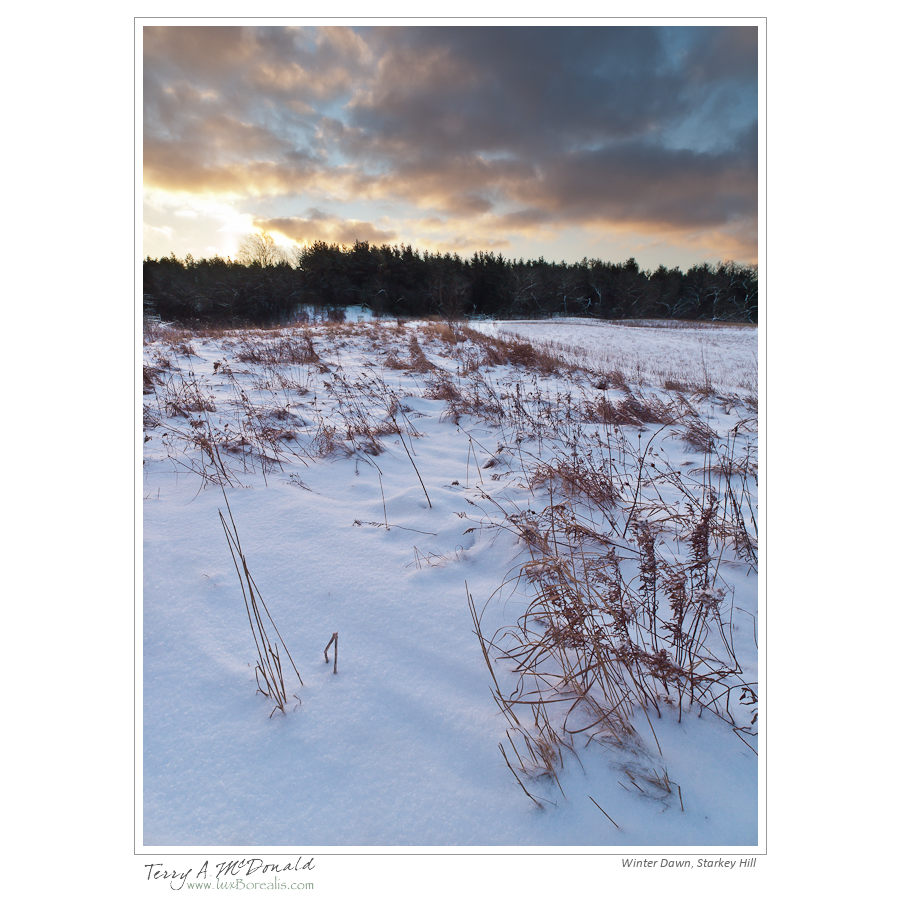
Winter Dawn, Starkey Hill
What a day! What a group! Ten photographers from all parts of southern Ontario – Burlington, Guelph, Hamilton, Mississauga, Owen Sound, Pentanguishene and Thornhill – all ready to go well before sunrise.
The sky was brightening as we assembled at the Starkey Hill parking lot, and I think we were all a bit concerned about how this day would turn out. This year in southern Ontario, those who appreciate winter have been conditioned to expect the worse type of winter weather for photography: gloomy skies, windy, rain and spring-like temperatures. What would today bring?

Chris Marson
As the sky brightened the low cloud cover began to disperse and the day dawned just as the weather forecasters had predicted: cold with bright skies and ,as a bonus, 2cm of fresh, light, puffy snow with no wind – perfect conditions for a Winter Workshop in Nature Photography.
Almost immediately we began shooting. As the sun rose behind the Galt-Paris moraine, we were treated to a wonderful foreground of brightening snow and the dried remains of wildflowers edging a farm field. The farm house itself was also an ideal focal point with the sweep of the field edge in the foreground and just enough stubble to prevent the field from losing detail.

Gordon Framst
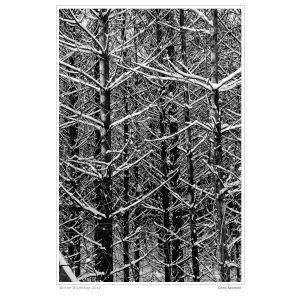
After a good hour just metres from the parking lot, we made our way up the moraine and into the forest. Sunlight was everywhere providing many opportunities for creative work. Through the plantation of coniferous forest we went (with its bold chickadees looking for a handout) and on to the maple-beech forest “out back” where the sunlight streamed through the open canopy. At first, the riot of shadows and light was overwhelmingly complex, but gradually we began to see the shapes and textures that define the essence of nature photography. My goal was to get the group looking less for “subjects” and more for the textures and shapes that support what we trying to photograph, in particular, the triangles and diagonal lines that give photographs structure and three-dimensionality.

Paul Lamb
Before we knew it, three hours had passed and we began heading back to the parking lot and on to Arkell United Church to warm up and fuel up with lunch. Over lunch we uploaded photos to our laptops and began the afternoon choosing and editing six images to present to the group. Many great images came from the morning field session which spawned discussion about seeing photographs, composition, exposure and all the potential that exist “out there”. It’s always refreshing to see how a group of people photographing in the same place can come up with such a diversity of photographs. Well done!
Thanks to all who attended. I hope everyone went away with new information and a desire to try new ways of seeing. If you weren’t able to make it and still want a Winter Workshop, don’t forget that the Dundas workshop runs on Saturday, january 28th. As time is limited, call me to sign up. As well, I have the Lightroom workshop running Sat. Feb. 18 and 25 – see the website for details.
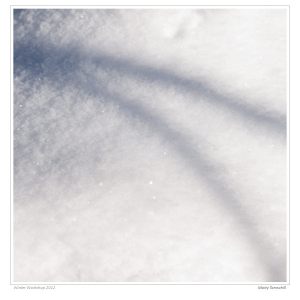
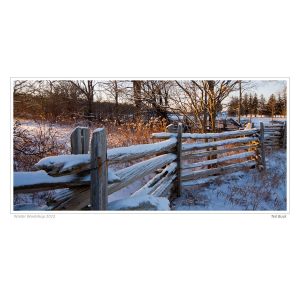
For now, take a moment to view this gallery of images from the day. Clicking on any image will open a slideshow-style presentation. Enjoy!
-

- Paul Lamb
-

- Paul Lamb
-

- Paul Lamb
-

- Terry Suthers
-

- Terry Suthers
-

- Marty Tannahill
-
- Marty Tannahill
-

- Marty Tannahill
-

- Chris Marson
-

- Chris Marson
-

- Chris Marson
-
- Chris Marson
-

- Ingrid Liem
-

- Ingrid Liem
-

- Ingrid Liem
-

- Chuck Edwards
-

- Chuck Edwards
-

- Gerry Bachiu
-

- Gerry Bachiu
-
- Ted Buck
-

- Ted Buck
-
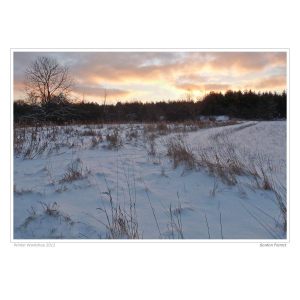
- Gordon Framst
-

- Gordon Framst
-

- Terry McDonald
-

- Terry McDonald
-

- Terry McDonald
-

- Terry McDonald
-
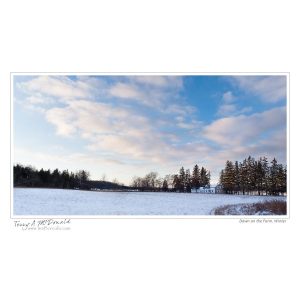
- Terry McDonald
-

- Terry McDonald
-

- Terry McDonald
-

- Terry McDonald
-

- Terry McDonald
25 from 2011
Have a look at the new page I’ve created to see a gallery of 25 of my most significant photos from 2011. The link is above or – Gallery: 2011
Adobe offers Lightroom 4 “Public Beta” for download
Lightroom 4 is out and earlier than expected. Mind you, it is just the “public beta” version which means it is not the final version and will benefit from the many bugs that will be discovered by the thousands of users.
If you are a casual user of Lightroom or have never used Lightroom – do not download and use Lightroom 4 Public Beta (LR4PB)! This version expires on or before March 31, 2012 as the final version will become available around then. In the meantime, I’ve been playing with this new version for a few hours today and like what I see. Major improvements include:
- Book module using Blurb to create photo books
- Map module using Google maps to geotag images
- new process version – 2012- that offers a “new and improved” workflow (however, you can still, on an image-by-image basis retain Process Version 2010 if you choose)
- soft proofing of files in preparation for printing (soft proofing allows you to see a facsimile of what a print will look like with a specific paper profile and colour space loaded)
This is just the beginning of the myriad updates and improvements. Over the next few days I will provide more detailed information, but for now, rest assured, that LR4 is not a revolution, but more of an evolution of features.
If you are interested, LR4PB may be downloaded from AdobeLabs at http://labs.adobe.com/technologies/lightroom4/. You will need an Adobe ID (free). LR4PB will not overwrite your LR3 files. It will create a separate folder for both the app and any catalogues you create. To make use of LR4PB, do not simply Add images from your LR3 Library. My suggestion is to:
- Select a bunch of images in LR3 that you’d like to work on in LR4PB;
- Choose File > Export as Catalog (making sure the check boxes at the bottom of the dialogue box are checked as for any Export to Catalogue). Save this catalogue temporarily to your desktop.
- In LR4PB, DO NOT choose File > Import from Another Catalog – it won’t work. Instead choose File > Import Photos and Video… Navigate to the catalogue you just made in LR3 (on your desktop) and select “Move” to move the photos from the catalogue to the location of the LR4PB Library : Pictures > Lightroom > Download Backups;
- Before you press “Import”, go to the Destination palette and choose Organize: By original folder. Everything will be moved into folders created by LR4;
- Once the import is finished, you can delete the temporary catalogue on your desktop as the photos (should) have been moved into place.
From there, you can play around with your images in LR4PB. Take note – whatever changes you make may not work with the final version of LR4 as Adobe reserves the right to continue to make tweaks which may render your images unreadable in LR4 Final. Remember, this is Beta version that is put out of Adobe for testing purposes. So don’t do anything “mission critical”. Do, however, have fun!
And the winner is…
Through October, November and December I ran a small photo contest specifically for photos taken in those months. The prize is a $60 credit towards having a custom-made fine art print made in my studio. This service is available to all photographers who are tired of machine prints and would like a print that truly shows off their skills and vision as a photographer. I use pigment inks on fine art watercolour paper and the result is simply beautiful.
Don’t forget – if you subscribe to my newsletter or this blog, you get 20% off your first fine print order! Visit my website for details.
Okay, that’s enough of the shameless self-promotion! The dozens of entries I received for the contest spanned the whole range from flora to fauna, colour to black and white, straight photography to abstract. Some of the photos were “people shots”; being a nature and outdoor contest, I haven’t included any of those, but thanks for sending them just the same.
There were many wonderful photographs, so here is just a sample:
-
- Anne King – October
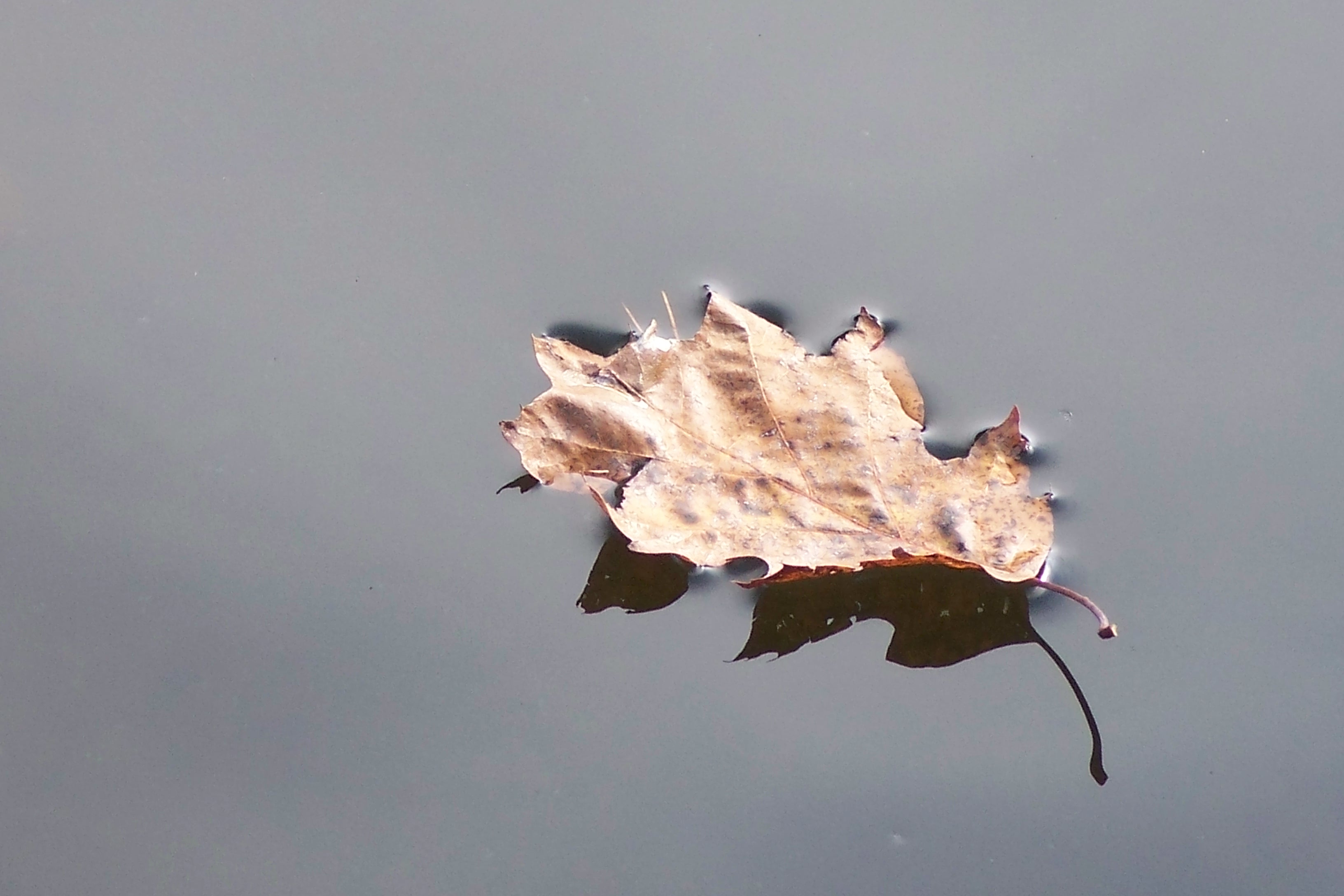
-
- Carla Noseworthy – October
-
- Cheryl Harvey – October
-
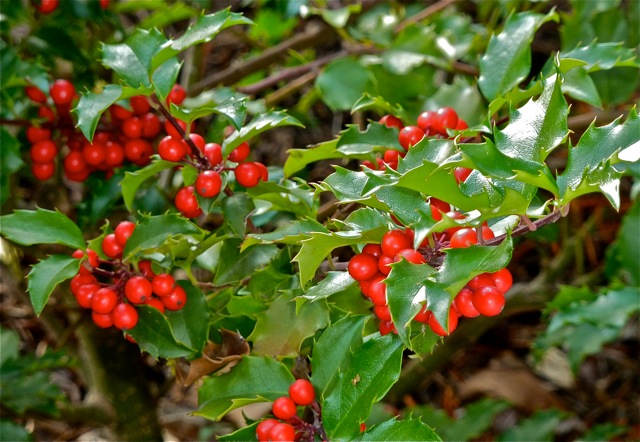
- Gordon Framst – October
-
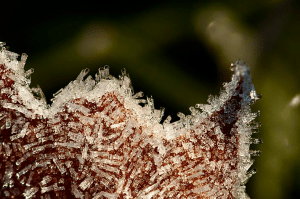
- Lyne Rosenkrantz – October
-
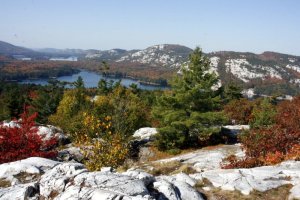
- Marilyn Couture – October
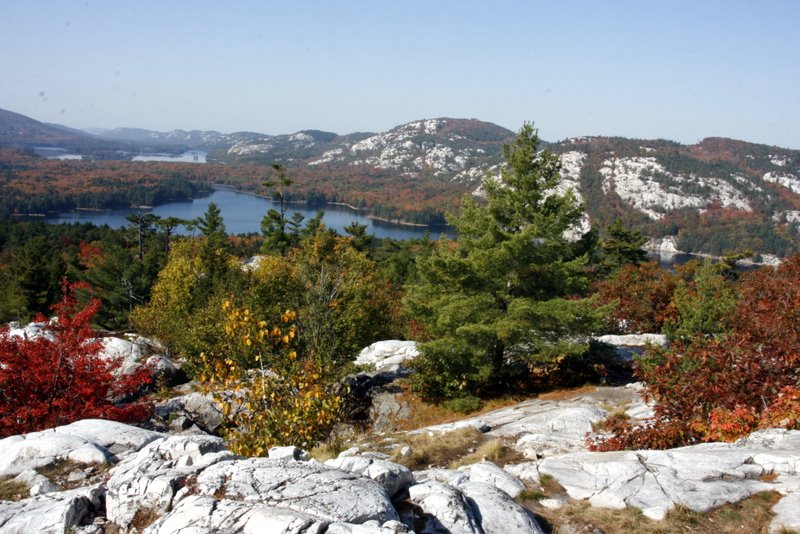
-
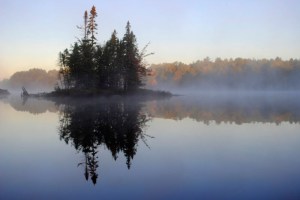
- Paul Lamb – October
-
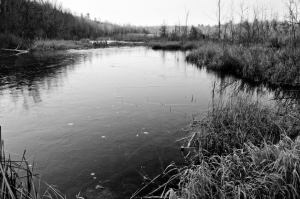
- Terry Suthers – October
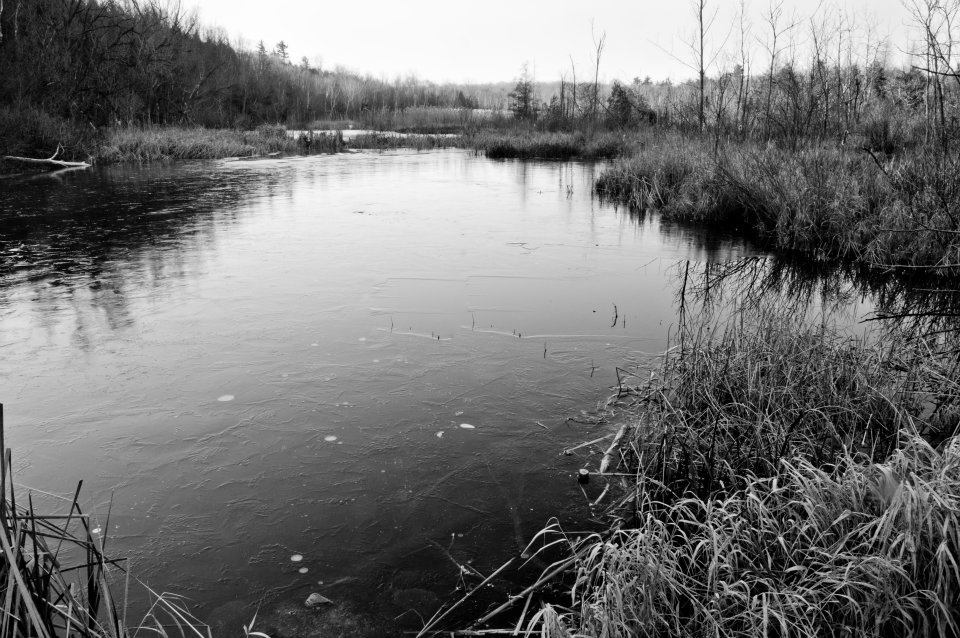
-
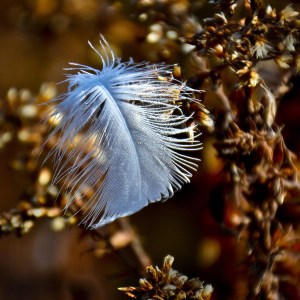
- Paul Lamb – November

-
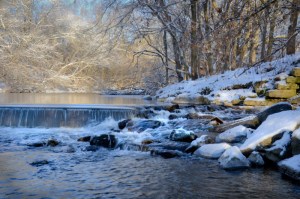
- Paul Lamb – December
-

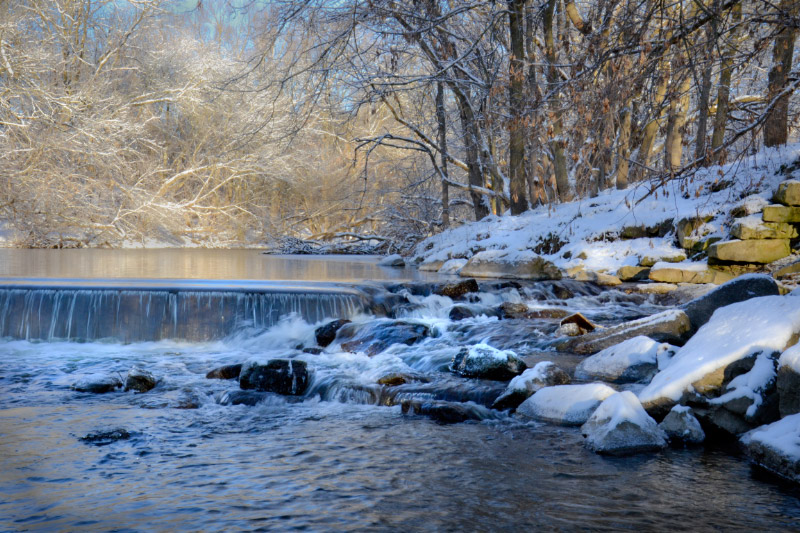
- Paul Lamb – December
-
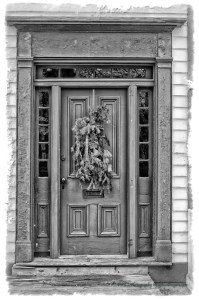
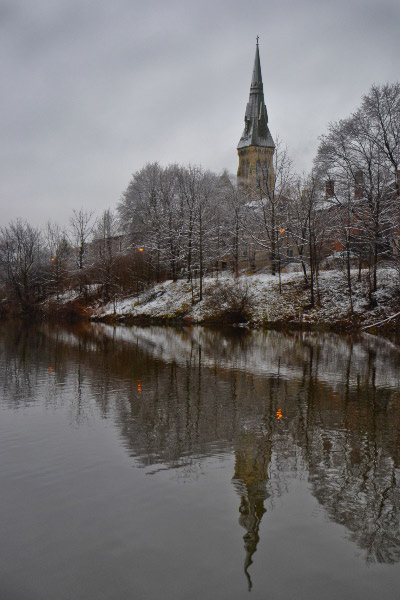
- Wendy Spicer – December
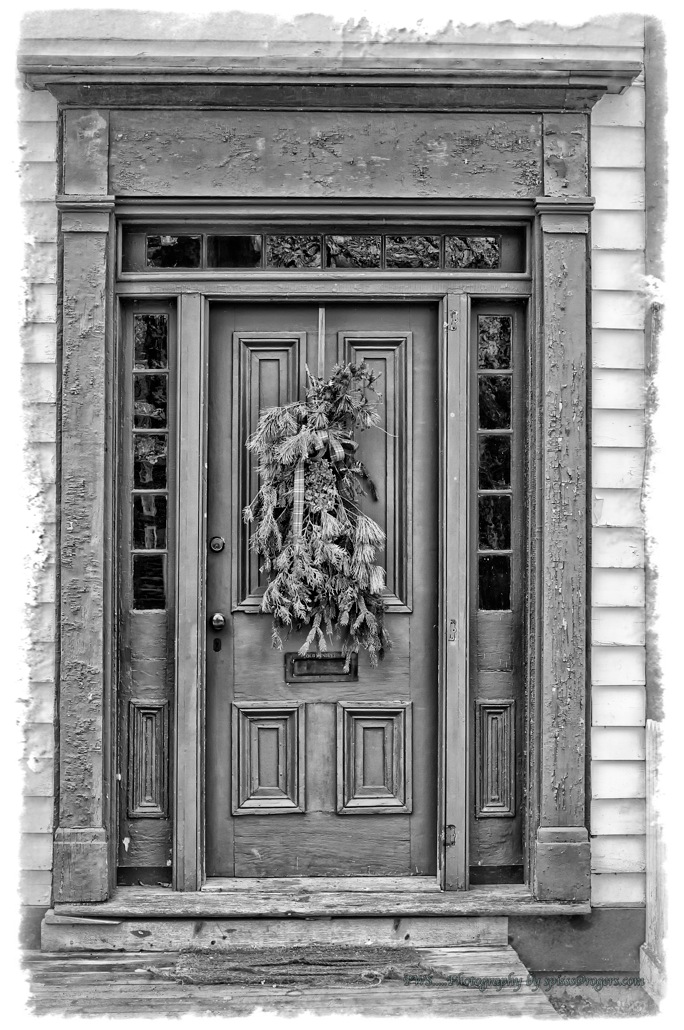
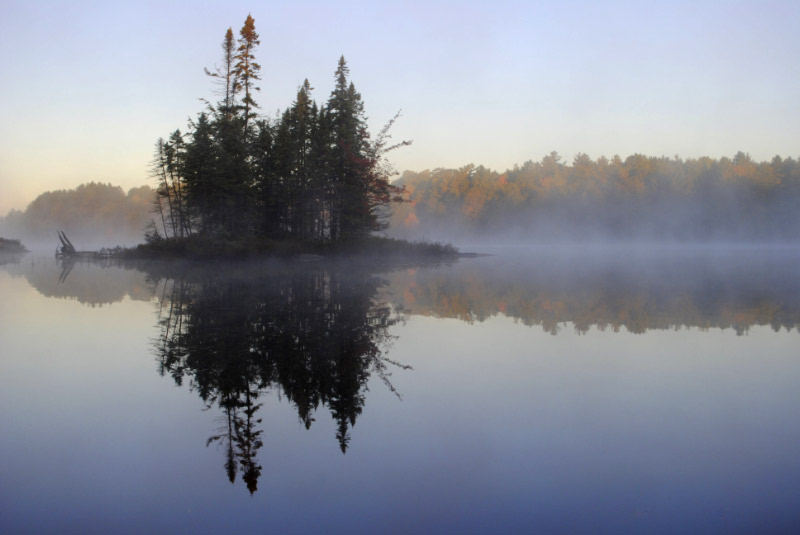
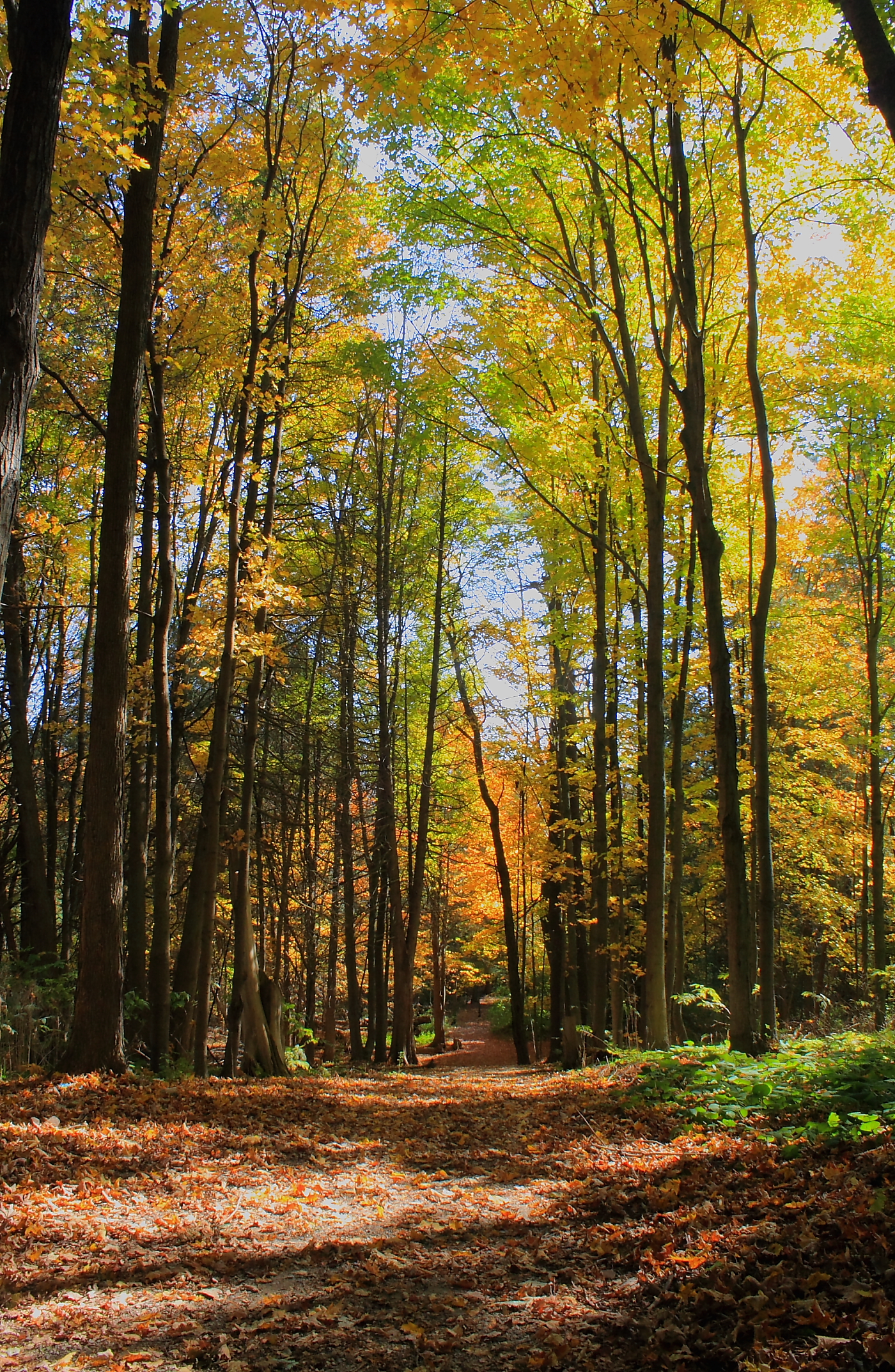
Paul Lamb - October
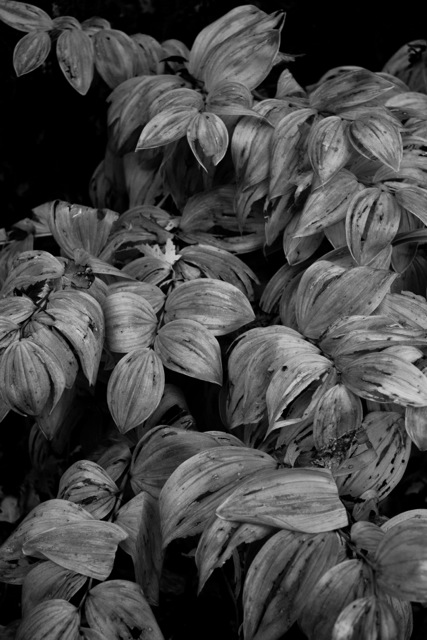
So what to do about a “winner”? The contest was, specifically for “the best” photo – a very difficult decision, indeed. That honour goes to Paul Lamb of Guelph, Ontario for the wonderful photo shown at right. However, given the consistent level of excellent work across all the photos submitted, I’m going to upgrade Paul’s prize to a $75 credit for my fine art printing service and add one more prize – the original $60 credit for fine art printing. That prize is going to Lyne Rosenkrantz of Hamilton for the photo shown below – nicely done, Lyne!
Congratulations and Thanks You! to all who submitted photographs. What do you think about a Winter Nature Photo Contest? Send me your best winter nature photograph – one with snow in it – via email to terry@luxboreais.com. After the winter months are over (January-February-March) I will select the best photo for a $60 credit for my fine art printing service.
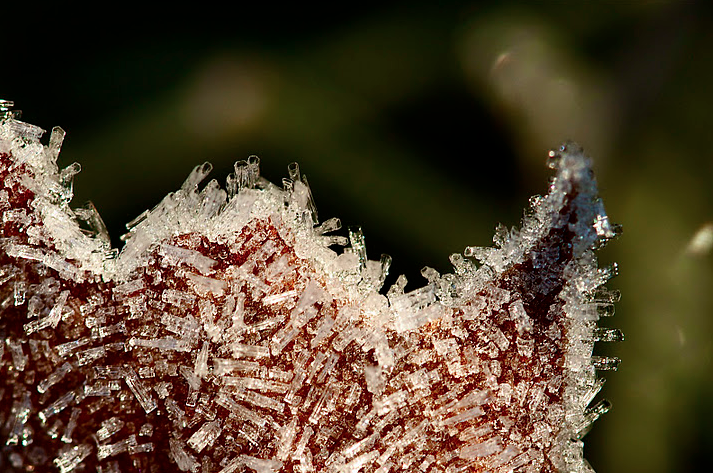
Lyne Rosenkrantz - October
About titles for photographs
A question over on the Luminous Landscape discussion forum regarding the need to “explain” photographs got me thinking about titles for photographs. Here is my response to the original post (edited for context here):
Hi John: Your question about explanations for photographs is certainly one that some of us are at odds about. Although this is, perhaps, an oversimplification, there seems to be two schools of thought:
- Many photographers add a title to their work that helps to explain it. Sometimes it’s “cutsey” other times it is meant to evoke a certain emotion that may or may not be present in the photograph.
- Other photographers believe the work should stand on its own merit without explanation. “If it needs explaining, then it wasn’t executed well enough” or “People can see into the photograph what they wish to see” are two common points of view to support this second school of thought.[/li
From what I understand of Ansel Adams (mentioned in the original post), he was positively against the cutsey/evocative title for explanation. His titles were very plain and for identification purposes only (e.g. El Capitan, Winter; Leaf, Glacier Bay National Monument). Some photographers in this camp go as far as using no titles or perhaps just numbers or dates to identify the work.
From a marketing perspective, I am in the first camp. From an artistic perspective, I’m in the second. In other words, it seems the general public is drawn more to an evocative title, hence the many photo posters that proclaim in bold letters the emotion one should feel. The more open-minded purchasers of art seem to be content with buying the work for what it is, so a plain title is acceptable.
I often “battle” with myself about whether to include a location in the title. Many people like to identify a photo with a place, especially when I’m selling local landscapes. But with evocative photos made, for example in Europe, but which could be in someone’s own backyard in Canada, I leave the location off so that people are not limited in their thinking by that location (does this make sense?).
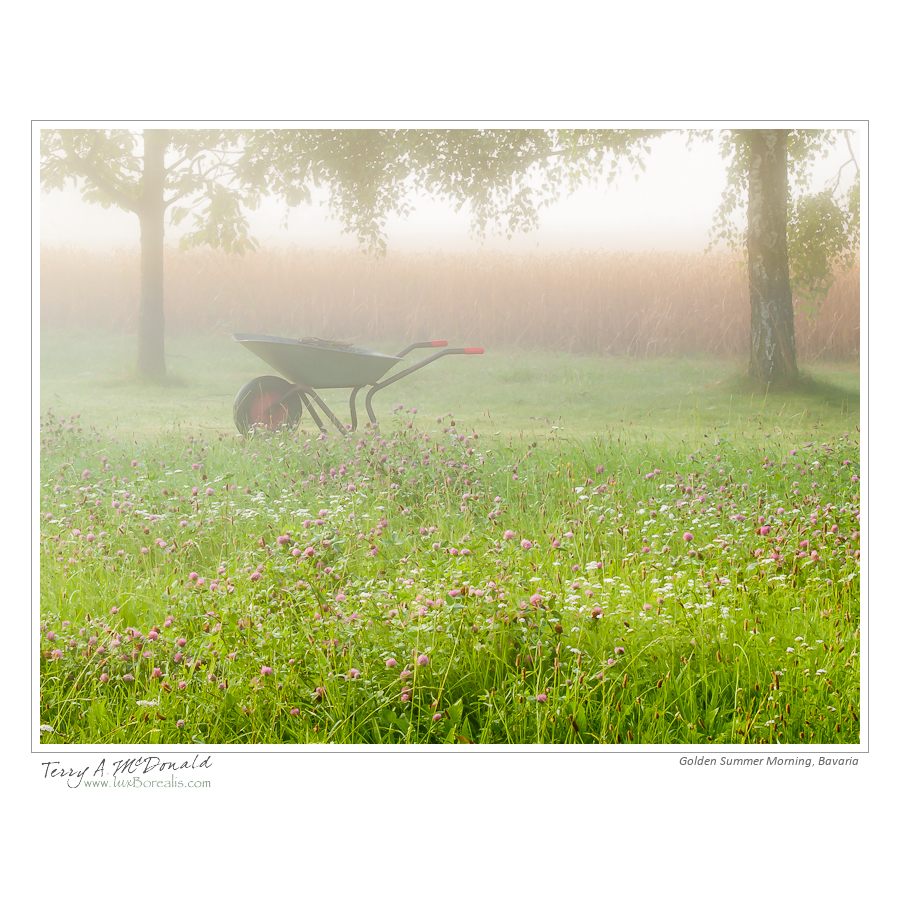
Golden Summer Morning, Bavaria
The attached file is a case in point: “Golden Summer Morning, Bavaria”. While I shot it in Bavaria, it could be anywhere. If I am selling it here in Canada, I leave off the “Bavaria”; but if I was to sell it in Bavaria, I would leave the location in. One could ask if I should even include the word “Golden” as that may be construed as imbuing an emotional response that others may not share.
Some day, I would like to do a study or read of a study that pits a photo with an evocative title against the same photo with a simple identifier like AA used. I often wonder if a cutsey/evocative title would sell more copies, but at a lower price point than the same work with a more austere title like Adams used.
 luxBorealis Blog