Affinity: Completely re-designed and absolutely free—forever—with a twist.

881 words; 5-minute read
Wow! Four weeks ago, Affinity put out a teaser that something big was on its way. We in the photographic community were fearful that a big, new, super-duper change would turn into subscription pricing. As it turns out, that’s only partially true.
A year ago, Affinity was (sadly) acquired by Canva, so subscription pricing seemed to be a certainty.
Guess what? The brand new Affinity Studio brings together Affinity Photo, Publishing, and Designer into one unified suite. And . . . “it is and always will remain completely free of charge”. That includes every update and new feature moving forward. This is truly significant!
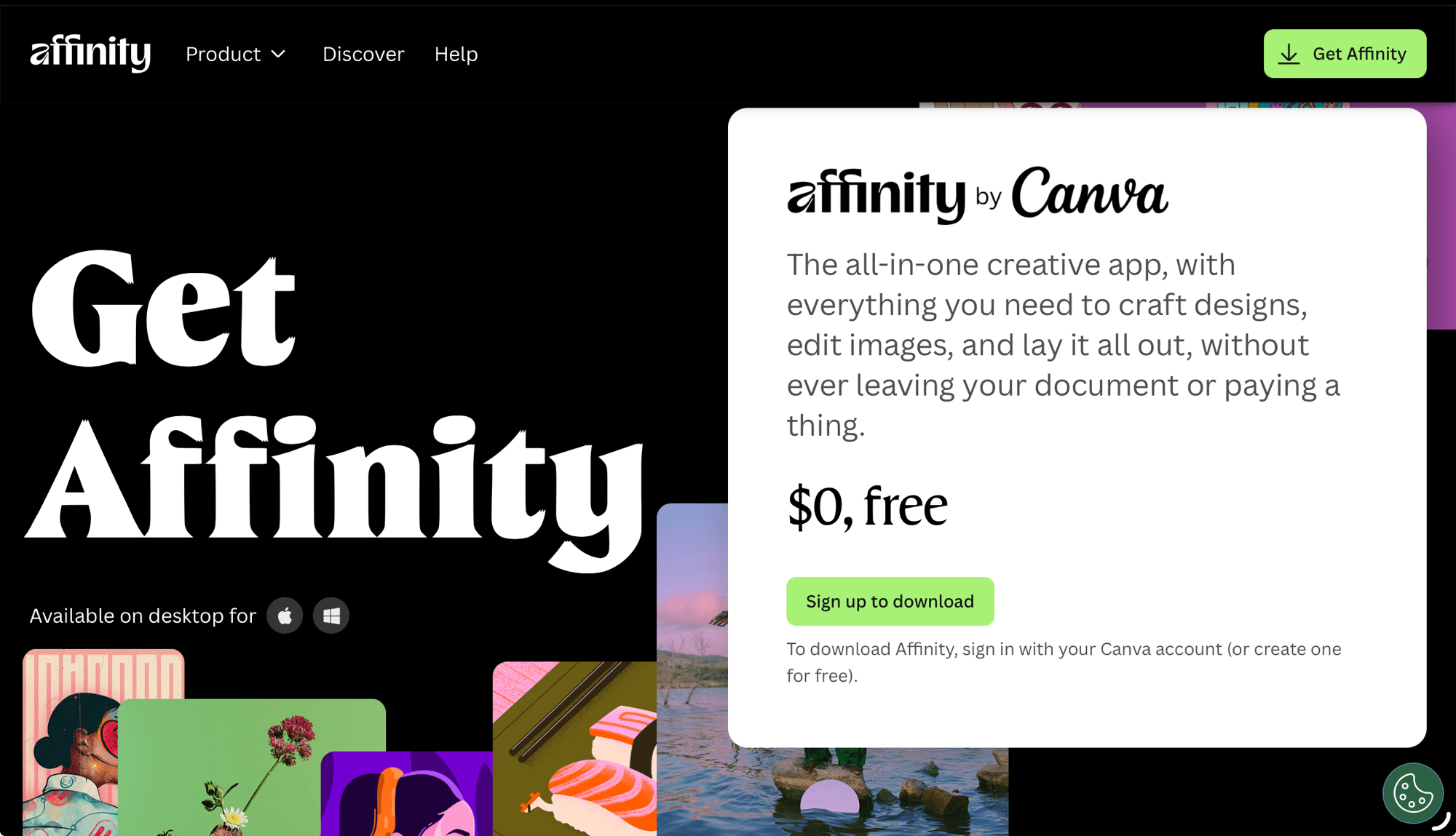
I’ve always liked Affinity. A year ago, I dropped Photoshop from my Adobe subscription saving about $10/month. Affinity Photo was a lot less expensive and does everything I need it to do. As well, I found it to perform better on iPad than Photoshop. I use the app for merging panos, HDR blending, and focus stacking, making composite images for blogs—all on iPad. Plus, it’s great when I need to create title graphics. I’ve also used Affinity Publisher to make multi-image posters, such as the Birds of the Rideau.

Now, the three Affinity apps—Photo, Publisher and Designer—have been amalgamated into one suite that offers Vector, Pixel and Layout workspaces. And it’s incredibly powerful, and free. It’s like getting a whole slew of Adobe apps—Illustrator, Photoshop, Acrobat, etc., etc.— all in one smooth and fast app. For free. ‘But,’ you say, ‘there’s no such thing as a free lunch!’ This time, there is.
If you’re not familiar with Affinity Photo, it is, arguably, the best Photoshop replacement. You can edit photos from raw in a dedicated workspace and output your images in just about any format, including Adobe Photoshop’s .psd files. You can do masking and filtering and all the amazing things you do in Photoshop, and more. For free! Users of Affinity Photo will find the upgrade to the Suite straightforward; just keep in mind that for photos, you’ll be working in the Pixel workspace.
Perhaps the one caveat is that Affinity Suite is being marketed to ‘creatives’ as opposed to ‘photographers’. If you watch the Keynote video or the Intro video, you’ll see what I mean. Photo editing is still a mainstay of the app, however, with everything Affinity Suite can do, it really is for those who are doing far more than editing raw files, including making posters, books, graphics of all inns and just about anything that uses photos, raster and vector graphics.
The other big difference, though, is AI. Like the old Affinity Photo, the new free version, Affinity Suite, does not include AI. This suits me fine as, for my work in #RealWorldPhotography, aka #AuthenticPhotography, I’ve made the conscious decision not to include any form of generative AI. (Read my article Navigating the AI Juggernaut here.)
If you want to use Affinity and have AI available for generative fill, generative expand and generative remove, you will need to subscribe to Canva AI Studio. But, at $150/year, if AI is that important, you are better off using Photoshop with your Lightroom package. Not only is the integration seamless, but the price point is better.
I think Canva’s decision to price its Studio app as high as $150/year (= CAD 12.50/mo) is a bit surprising. Canva Studio AI will not draw Lightroom users away as, let’s face it, Lightroom is the de facto industrial-strength photo editing suite. And, adding Photoshop to Lightroom is only another $10/month, which makes it cheaper than Canva and includes 1TB of cloud space and Portfolio website design.
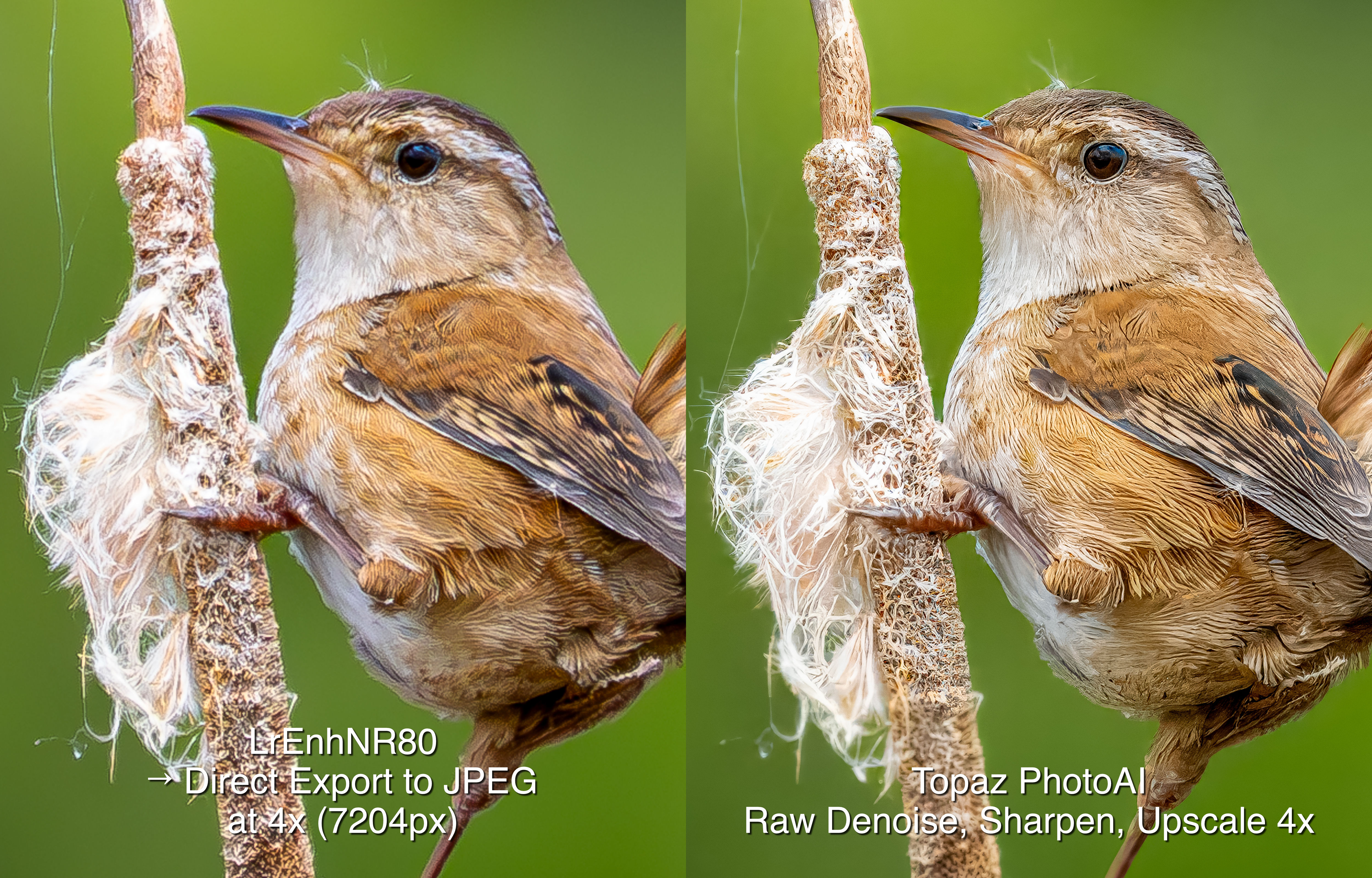
This seemingly high pricing is similar to Topaz’s decision to price its PhotoAI subscription as high as they do. Photo AI is about CAD $24/mo; Topaz Studio, which includes all their apps, is over $50/mo. I don’t understand the thinking behind this, as neither Canva nor Topaz have the same ‘industrial strength’ as Lightroom+Photoshop. DxO PhotoLab (reviewed here), which also carries a comparatively high price at about $28/mo or USD $239/yr, is also over-priced. Why have these companies priced their software higher than Adobe? I have no crystal ball, but my concern now is that Adobe will be jacking up their prices. Yikes! Let’s hope not.
So, what to do? First of all, Affinity Suite is only available for macOS and Windows; the iPad version is ‘coming soon’. If you’re happy with Affinity Photo, then upgrading to the free Affinity Suite may not be needed. However, if you are convinced AI is your route to better photography, then I suggest using Lightroom+Photoshop. At CAD $26/mo it’s also the most complete and the most competitively priced photo editing suite. If you have a Lightroom subscription and you’re happy doing #RealWorldPhotography with no generative IA, then stick with Lightroom plus Affinity Photo or upgrade to Affinity Suite, which is what I’ll be doing.
Thanks for reading. This blog is completely free and I do not include affiliate links. To help keep it free, consider buying me a coffee.

Be sure to SHARE with your photog friends and/or continue the discussion with a COMMENT or QUESTION.
Discover more from luxBorealis Blog
Subscribe to get the latest posts sent to your email.
 luxBorealis Blog